
Toll Free
2838

Empowering businesses and individuals with fast, secure, and borderless transactions.
Accept payments via mobile money, bank transfers, and cards anytime, anywhere.

Xentripay Platform Design v1.0

We know how everything works and why your business is failing over and over again.
Xentripay
Xentripay API Payments is a secure digital payment infrastructure developed to enable businesses, platforms, and institutions to seamlessly integrate payment capabilities into their systems. The platform provides a unified API layer that allows organizations to collect payments and disburse funds across multiple financial channels within Rwanda.
Through a single integration, businesses can access mobile money networks, bank transfers, and global card payment rails. Xentripay simplifies complex payment processes by providing a reliable gateway that supports real-time transaction processing, reconciliation, reporting, and financial settlement.
The platform is designed to support digital commerce, enterprise payment workflows, fintech innovation, and government service payments by offering scalable infrastructure that connects businesses to Rwanda’s financial ecosystem. By leveraging Xentripay, organizations can automate collections, streamline payouts, improve financial transparency, and deliver a seamless payment experience to their customers.








Starting with the Xentripay sandbox environment is essential because it allows businesses to safely test their integrations in a risk-free setting before going live. In the sandbox, developers can validate payment flows such as collections and payouts, check compliance and security requirements, simulate high transaction volumes, and practice handling errors without moving real funds. This controlled environment ensures system reliability, regulatory compliance, and operational readiness, so that once integration passes sandbox validation, businesses can confidently transition to the production environment with minimal risk.
Sandbox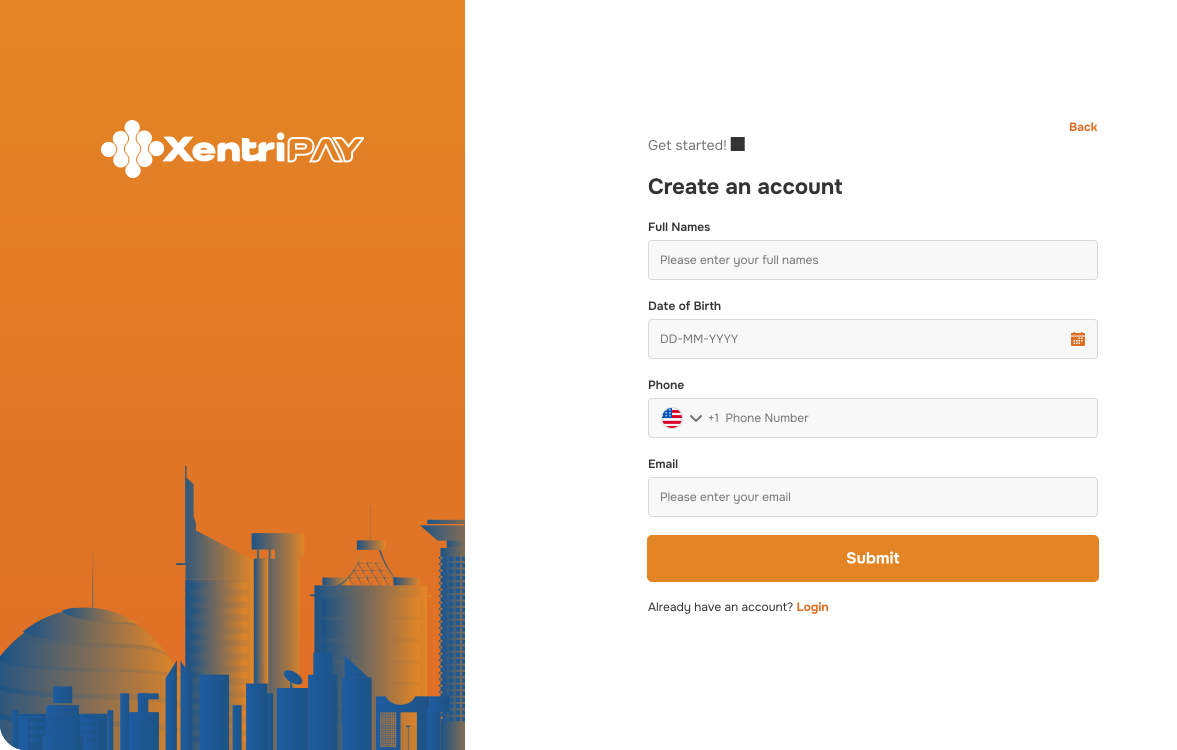
This step allows you to control whether you're paying a single recipient or a full batch.
The production environment is the live and operational version of the Xentripay Platform, where real financial transactions take place. Once a business has successfully completed sandbox testing and received approval, they then proceed to create an account on production submit all the KYC, Signed Contracts, and access is granted to implement integrations on production to enable actual collections from customers and disbursements to bank accounts or mobile money wallets. This environment is fully secured, monitored, and regulated under the National Bank of Rwanda guidelines to ensure compliance, data protection, and transaction integrity. Unlike the sandbox, every request in production involves real money movement, meaning accuracy, reliability, and security are paramount. Businesses are therefore encouraged to only move to production after thorough validation in the test environment to guarantee a smooth and risk-free launch.
ProductionThis step allows you to control whether you're paying a single recipient or a full batch.
The detailed API documentation required for integration is provided separately by your assigned Centrika Account Manager. This ensures that your business receives the most up-to-date technical guides, endpoint references, authentication details, and usage instructions tailored to your agreed services (collections, payouts, or both).
Get StartedYou get a preview of all valid and invalid rows before moving forward.
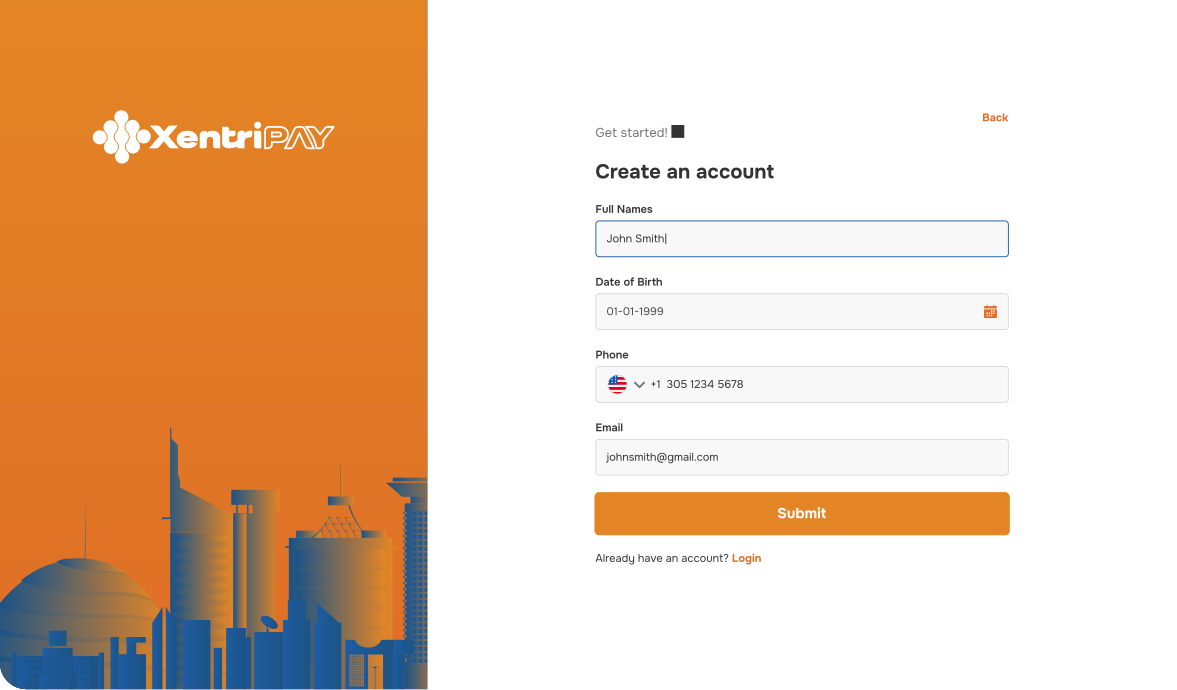
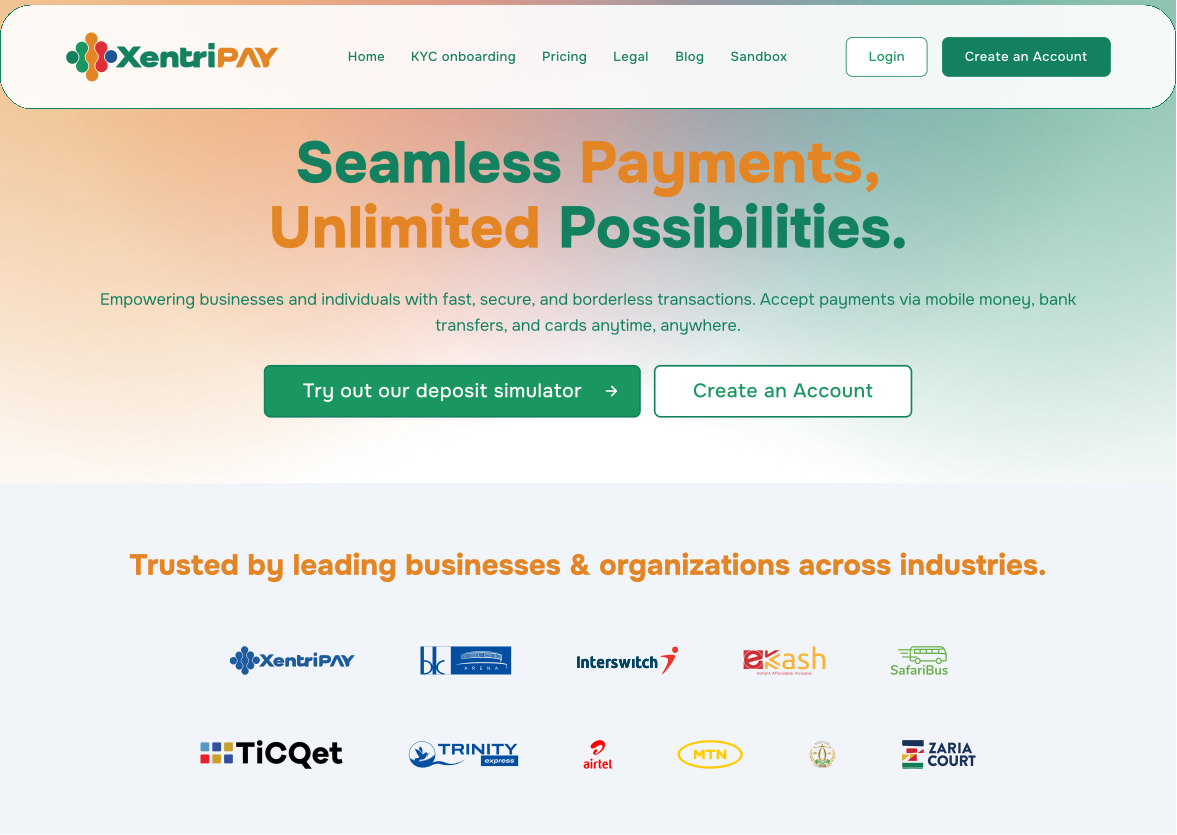
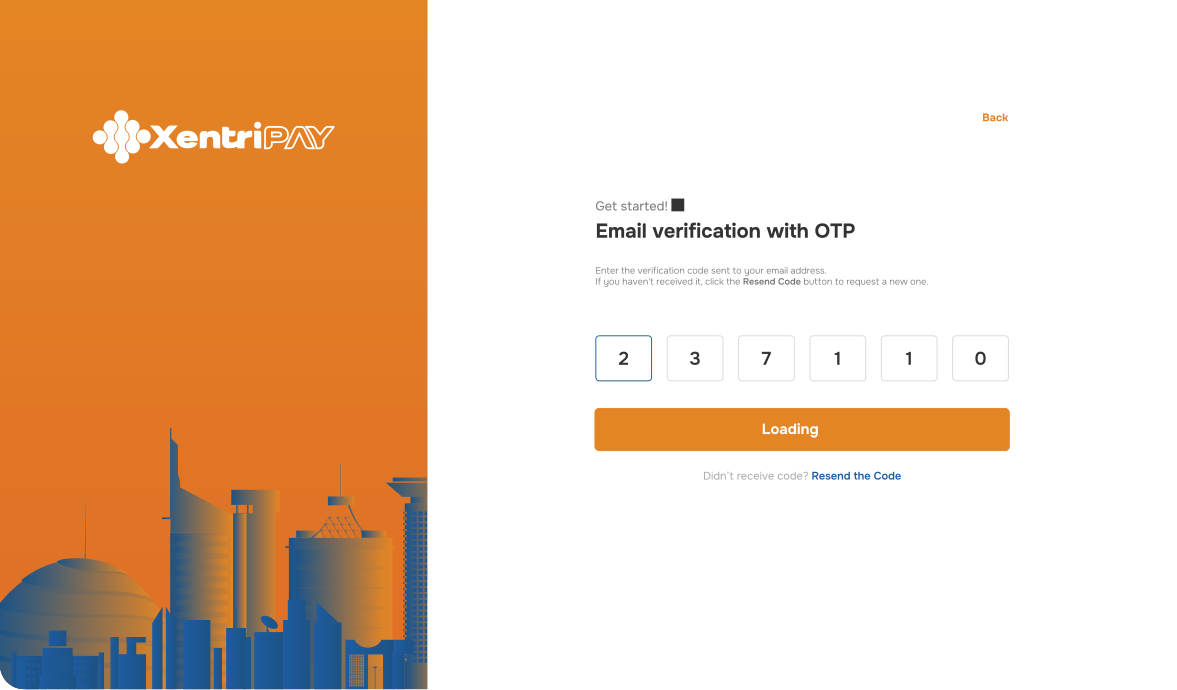
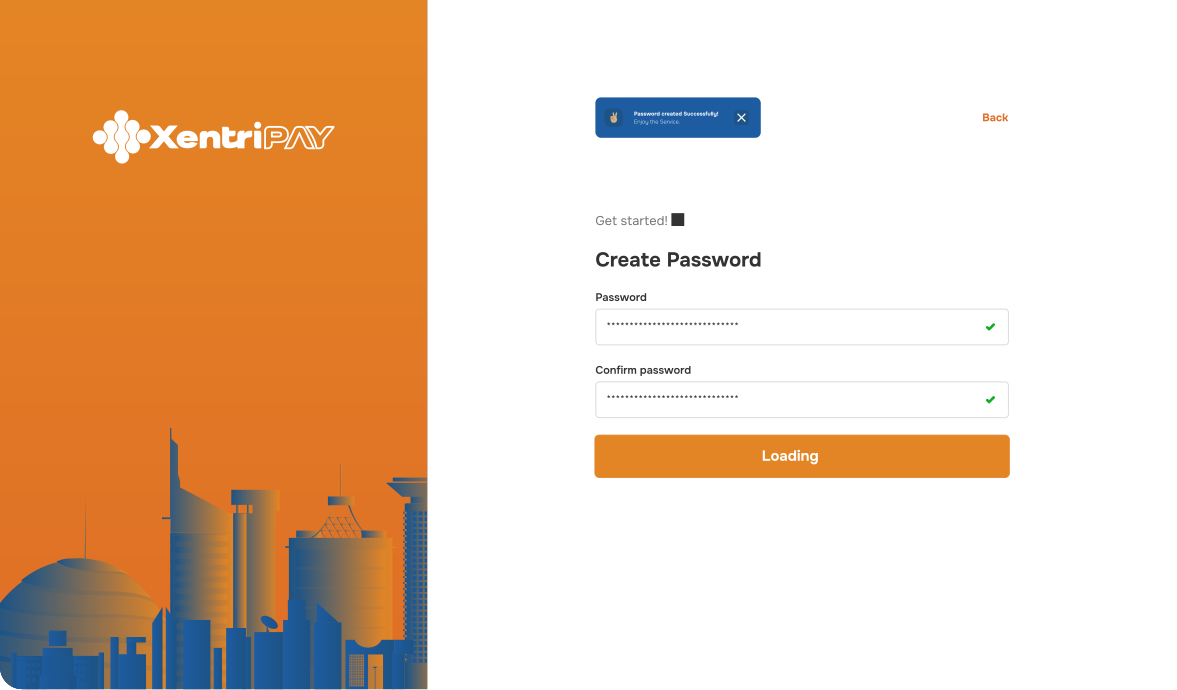
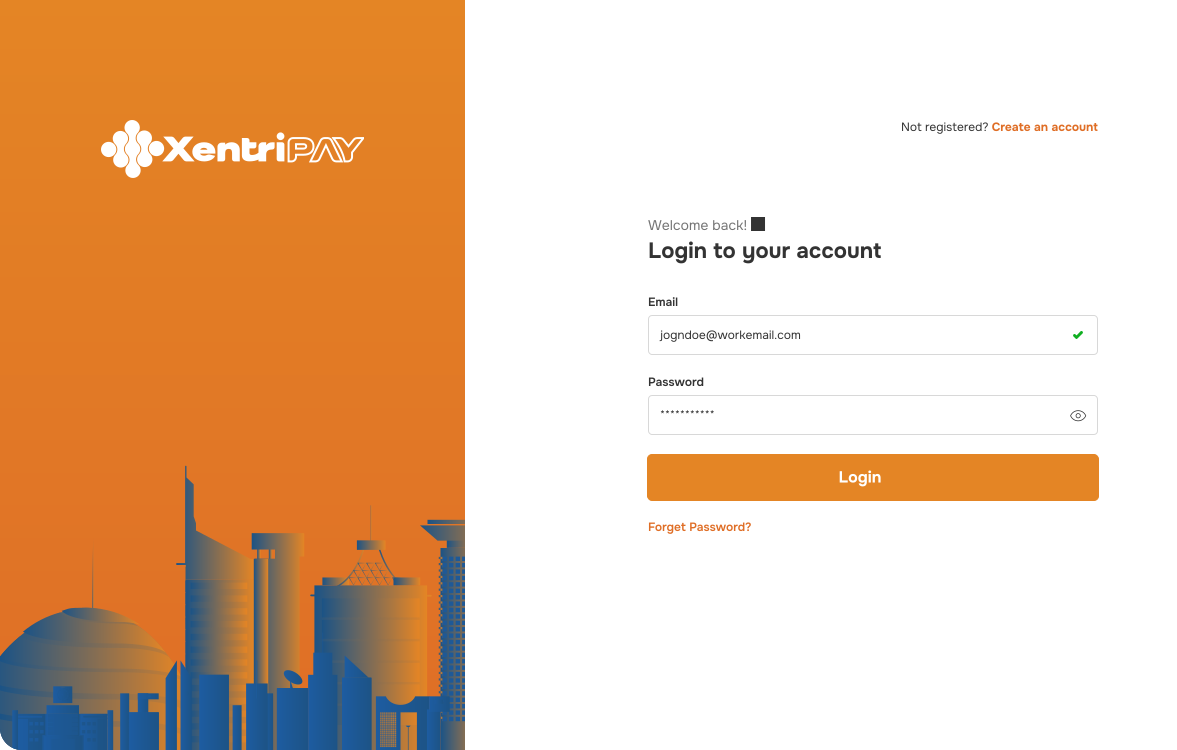
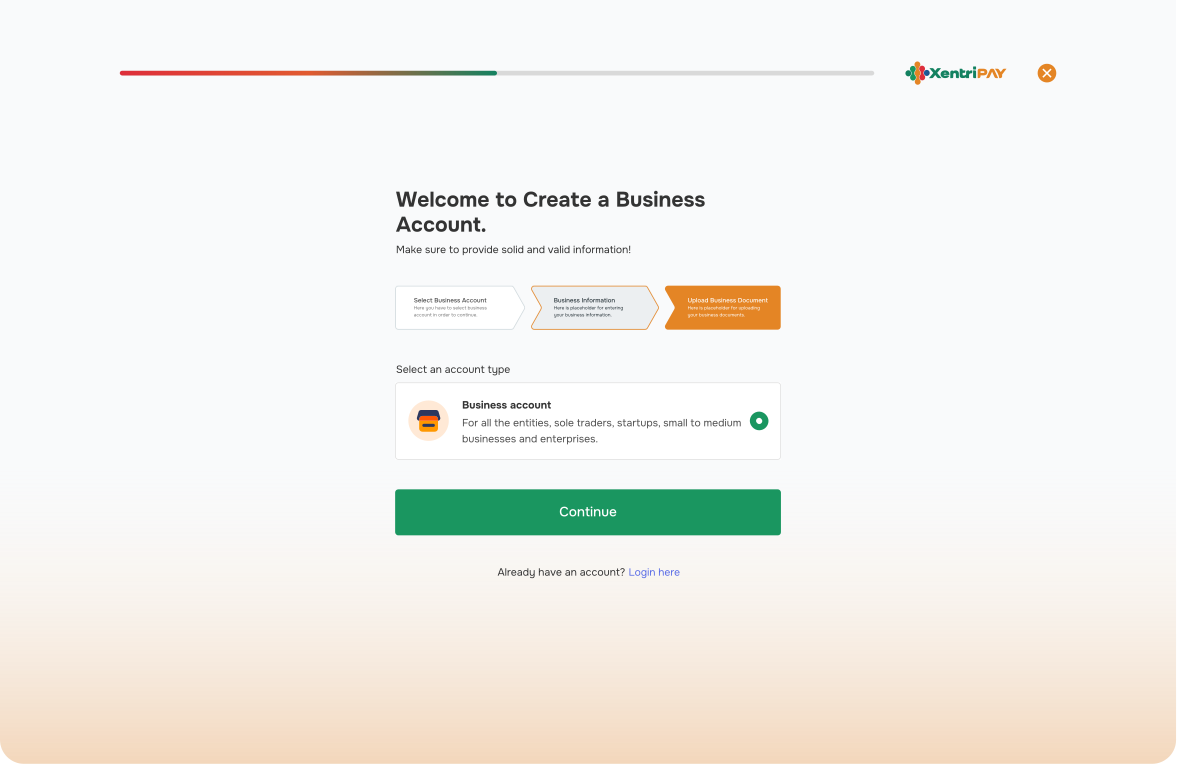
Self Onboarding Process
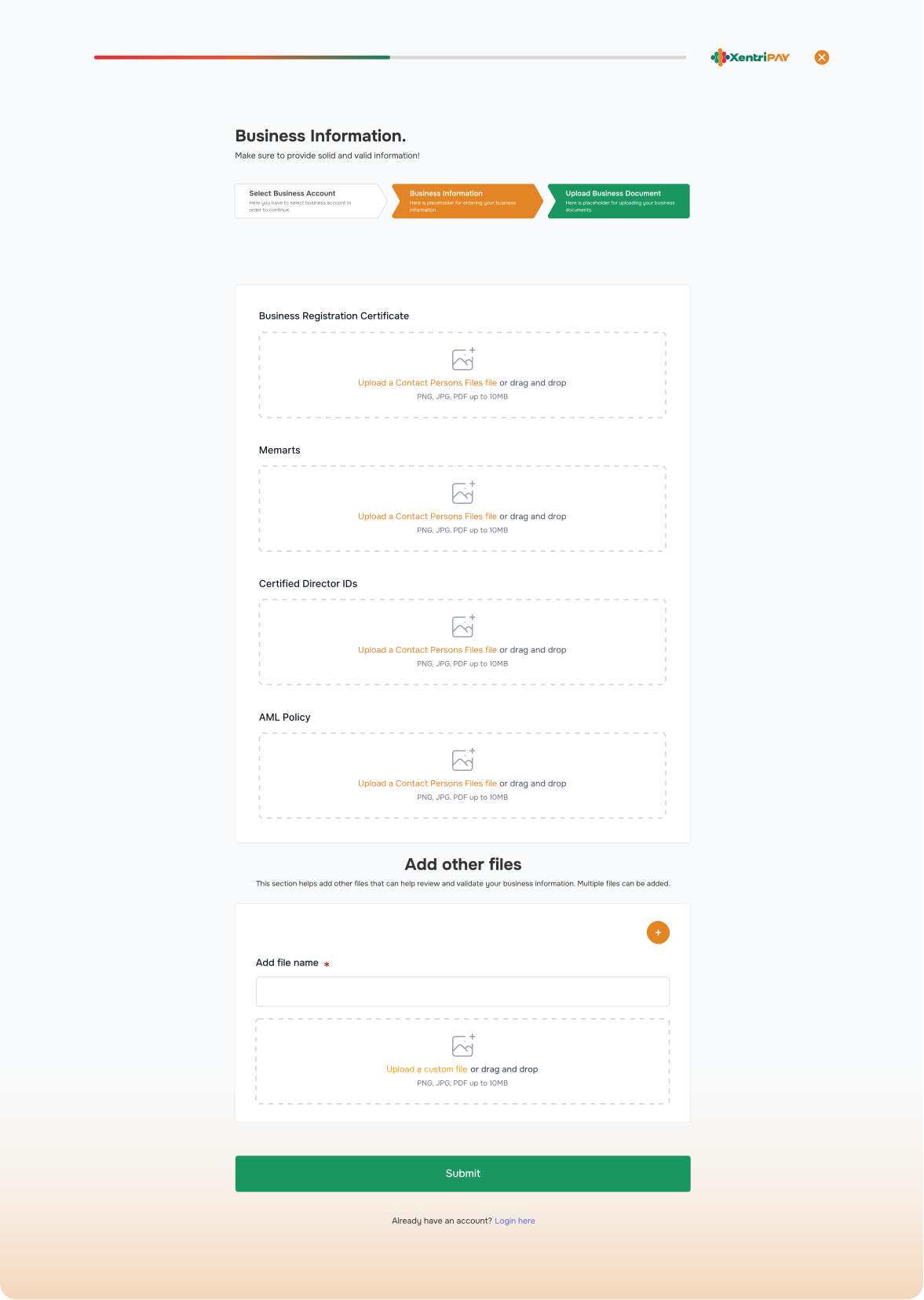
All business self onboard on the XentriPay platform by creating accounts onto which they self upload the required Know Your Customer requirements.
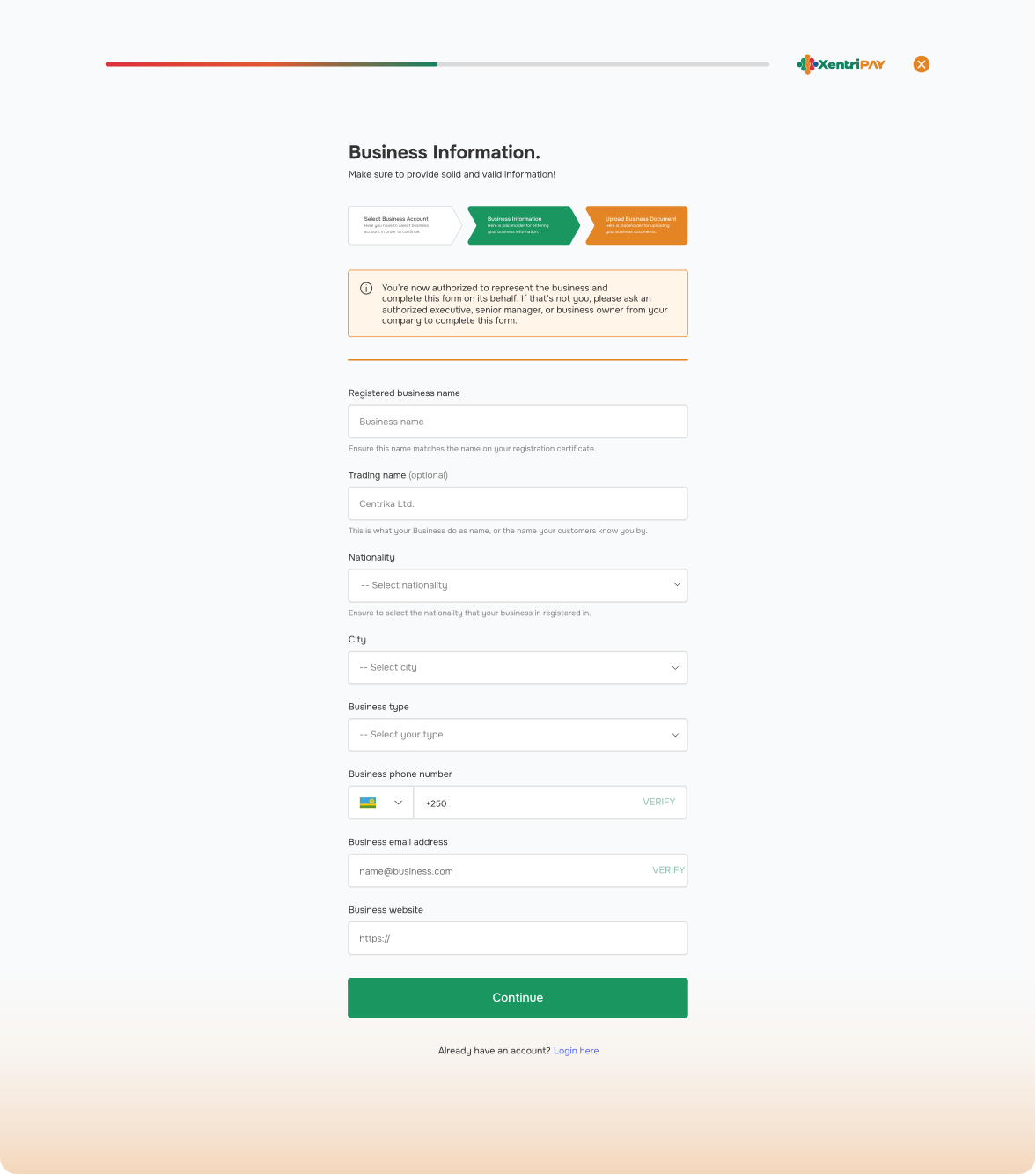
2.
HOW TO CREATE A LIVE | PRODUCTION ACCOUNT.
IMPORTANT NOTES
a) KYC UPLOAD.
In Live/Production Account creation seems to be the same, please endeavor to upload all the necessary KYC as provided in the KYC Checklist for your account to be approved. Failure to follow this guideline will lead to an account that is not verified as a result of failing the compliance level a very crucial requirement by the National Bank of Rwanda.
b) FAILURE TO GENERATE API KEY.
Without genera&on of an API Key from your account, you will not have a successful integration in both environments therefore ensure to generate the key within the platform.
c) DEPOSIT OF TEST FUNDS.
To ensure proper tests in production, we urge you to start with collections since the funds collected can be used for payouts. Xentripay runs one consolidated wallet to allow for simplicity when handling transactions. Should you choose to start with payouts first you will be required to deposit test float and your account manager will guide you on how to deposit the funds that will be deposited on your account.
Test & Launch
Mobile? Check. Desktop? Check. We fine-tuned every button, link, and form field to make the experience seamless.
Once QA was complete, we followed a clear launch plan to go live without a hitch. The whole process was smooth, tested, and ready for the real world.
Closing Thoughts
Why you should choose XentriPay

The sign-up process is straightforward, requiring minimal information to get started.

Centrika provides dedicated customer support to assist users throughout their journey, ensuring any issues are promptly addressed.

Designed with the user experience in mind, the platform ensures that users can navigate and utilize features effortlessly

By supporting multi-channel collections and payouts, XentriPay lowers barriers for businesses and customers to join the digital economy.